From a Redesign to 1Password
Blog post #29
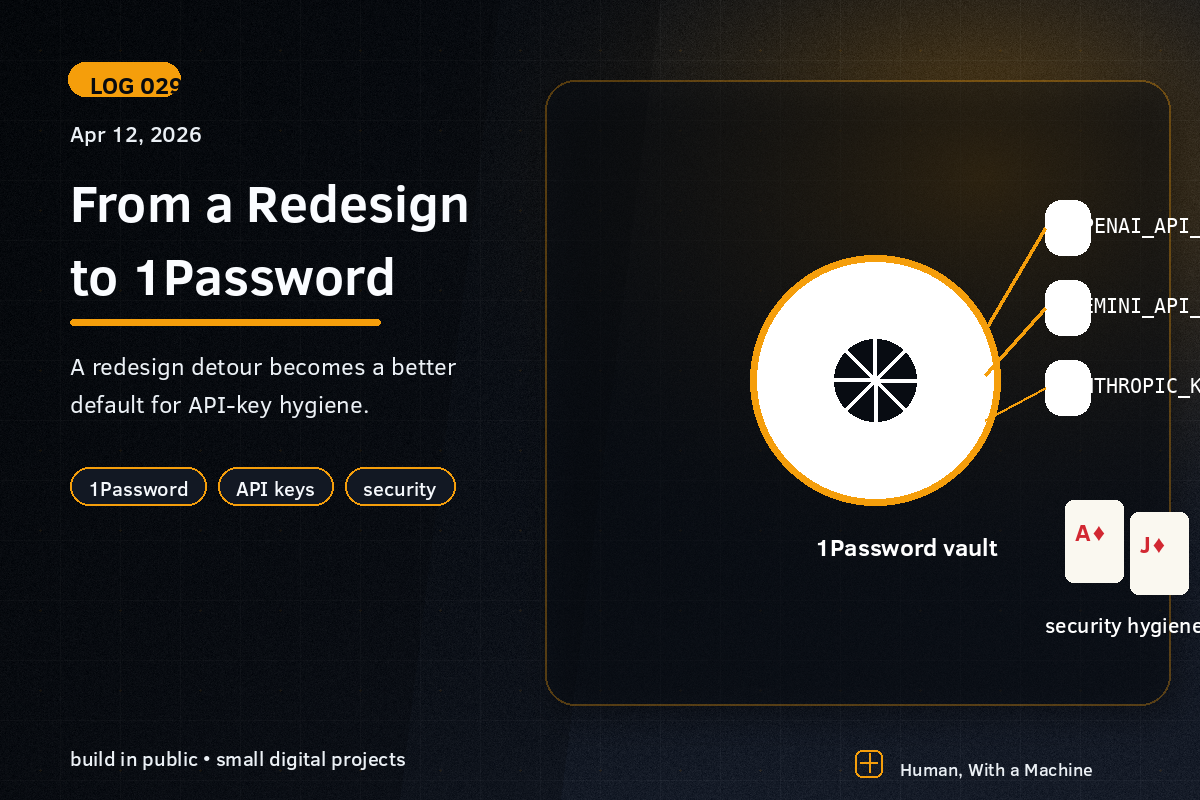
A couple of days ago the plan was simple: refresh the Ace Jack Suited company site using the new frontend technique from taste-skill. A small pack of rules and principles that Claude Code can follow to actually ship sites that look like something — typography, rhythm, layout logic, restraint.
It worked. The site ended up cleaner and more confident. Asymmetric split-hero instead of a centered grid. Outfit as the typeface. Real section rhythm. No more card-grids where every project looks like a trading card. It finally looked the way I’d always wanted it to look, but never had the vocabulary for.
But the interesting part wasn’t the redesign. It was what happened after.
The plan I didn’t follow
I wanted to animate the brand — Ace and Jack of Diamonds, cinematic card reveal. First thought: Kling 3.0. Opened their site, started reading. Behind a paywall. Fine — plenty of free alternatives out there.
But the next step — even starting to generate a source image for the animation — meant calling the Google Gemini API from Claude Code. And suddenly I was deep in a question I hadn’t planned to think about today:
Where do my API keys actually live?
Windows secrets? Or something better?
My first instinct was “throw them in Windows user environment variables — setx GEMINI_API_KEY ... and move on”. It’s simple. It works. Every script can read them.
But then I started thinking it through. Windows env vars sit in plaintext in the registry. Any process running as my user can read them. No unlock step. No audit trail. If the machine gets compromised, everything is exposed immediately.
And I already pay for 1Password. I unlock it several times a day anyway.
There was a better way.
op run, and the pieces fall into place
1Password ships a CLI (op) that integrates with the desktop app and Windows Hello. Instead of storing keys in plaintext somewhere, they sit in an encrypted vault, and when a script needs them you run:
op run --env-file=.env -- node scripts/generate-image.jsThe .env file contains no actual secrets — just references:
GEMINI_API_KEY=op://Private/xxx/credential
OPENAI_API_KEY=op://Private/yyy/credential
When a script starts, op pulls the keys from 1Password (biometric unlock the first time per session), injects them as env vars for that process only, and they’re gone from memory when the script exits. The file is safe to commit to git.
It’s so much better than the env var approach that it feels silly I even considered the latter.
What I actually took away
The real lesson from the day wasn’t about redesign or image generation. It was this:
The more I work with AI, the more natural it feels to think about security — both locally and for the apps I ship.
A year ago I would have shrugged and said “env vars are fine, who cares”. Today it feels obvious that a vault-based solution should be the default, not overkill. Not because I’ve gotten paranoid — but because I’ve started to understand how many keys actually flow through my workflow now that AI is part of the loop. OpenAI, Gemini, Anthropic, Vercel, Supabase, GitHub. It’s not one key I’m protecting anymore. It’s an entire ecosystem.
And when the hygiene becomes easier than the shortcut — that’s when it becomes the default.
That’s the real productivity gain in AI work. Not that the AI writes code for you. It’s that it removes friction from all the “I should really do X but can’t be bothered” decisions. The redesign was what I planned. The security upgrade was the bonus that came with it.
Next up: actually generating that card image.
— Stefan